Privacy Policy
Scarlett-open-world for Windows · Last updated: 6 November 2026
Scarlett-open-world (“the app”) is a family game published by Coolin & Serversoup for Windows (Microsoft Store). This policy explains what the app does and does not do with information. It is written in plain language because the app is made for children and their parents or carers.
Summary
The app does not collect any personal information about you or your child, has no accounts, and sends nothing anywhere. It has no advertising, no purchases for real money and no analytics or tracking. The app does not connect to the internet. Everything it remembers stays on your own device.
Information stored on your device
The app stores the following on your device only, in the app’s own local data folder:
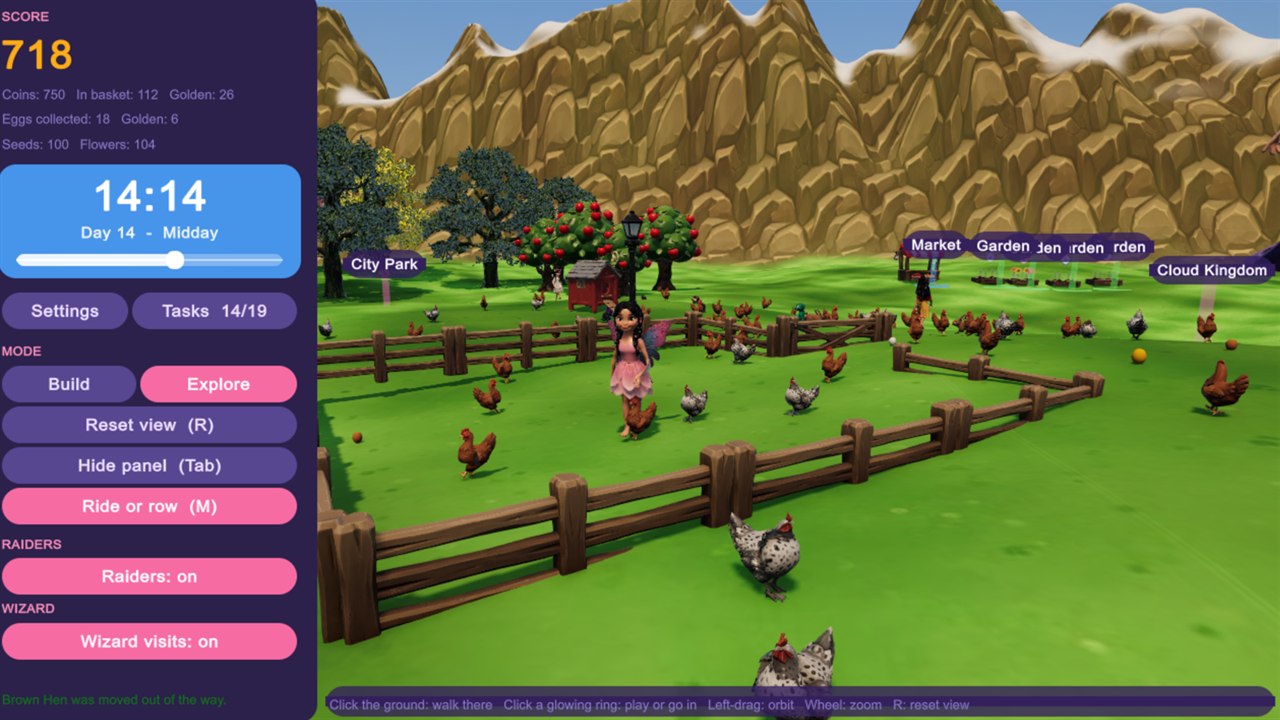
- Progress. Your score, coins and fish points, the items you have placed in each landscape, the furniture and decoration in your rooms, your garden, tasks completed, mini-game results and the in-game clock.
- Save slots and profile names. The slot names (for example “game1”) or any profile name you choose to type in. Choose any name you like; it is only used to label your save.
- Settings. Language, music and sound settings, and which profile was played last.
The app does not ask for or store your name, age, location, photographs, voice, contacts or any other personal information. This information never leaves your device. Uninstalling the app removes it.
Network communication
The app works entirely offline. It makes no network connections of any kind, it downloads nothing and it uploads nothing.
Sound and pictures
The music, sound effects, pictures and 3D models are part of the app and are played or shown on your device. The app does not record sound and does not use the microphone or camera. Some of the artwork, 3D models and sounds were created with the help of AI tools during development and then selected and arranged by the developer; nothing is generated while the app runs and nothing is sent to any AI service.
Permissions
The app does not request access to your location, contacts, camera, microphone, photos or files.
Children
The app is designed to be suitable for children and to be enjoyed with a parent or carer nearby. Because it collects no personal information from anyone, there is no information about a child for the developer to hold, use or share. There are no adverts, no purchases, no chat or messaging and no links out of the app. The coins and fish points in the game are play rewards only and have no money value.
Third-party services
The app includes no third-party advertising, analytics or crash-reporting services. The Microsoft Store may collect standard install and crash statistics under its own privacy policy; the developer receives only aggregated reports from the store.
Keeping or deleting what is stored
Everything the app remembers is kept on your device only. To remove it, uninstall the app from Windows (Settings, then Apps). Saves can also be removed by deleting the app’s data folder.
Changes
If this policy changes, the updated version will be published at this address with a new “last updated” date.
Contact
Questions about this policy: dev@coolin.co.uk