Privacy Policy
Personal Site Manager for Windows · Last updated: 14 November 2026
Personal Site Manager (“the app”) is a tool for building, uploading and editing your own small website. It is published by Coolin & Serversoup for Windows (Microsoft Store). This policy explains what the app does and does not do with your information.
Summary
The app does not collect, transmit or share any personal data with the developer or any third party. It has no accounts, no advertising and no analytics or tracking. It works between your PC and the websites you add to it.
Information stored on your PC
The app stores the following on your PC only:
- Settings: the list of websites you add (their names and addresses) and your window preferences, in the app’s own local data folder.
- Signing keys: a private key for each website, created and held by the Windows key store for your user account. It cannot be exported and is never sent anywhere.
- Website files: the files of any website you build with the app, in the folder you choose, until you delete them.
- Preview data: the live preview’s ordinary browser cache, in the app’s own local data folder.
Network communication
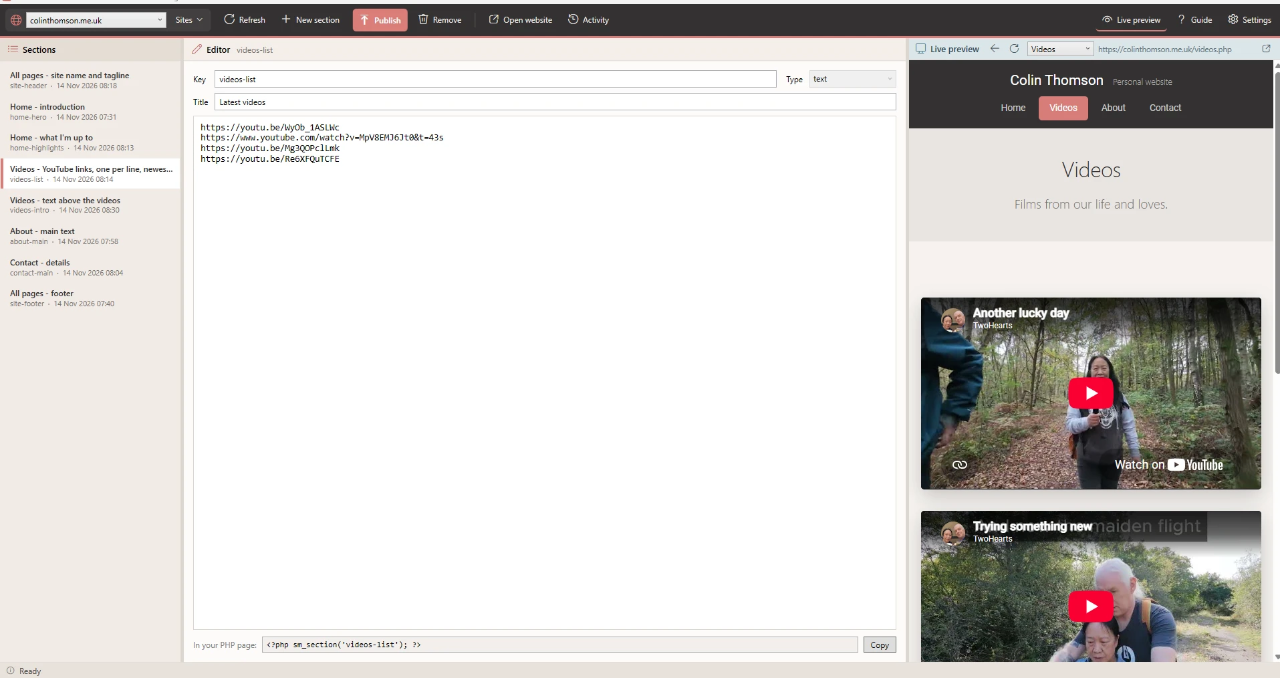
The app sends requests only to the websites you add. When you load, publish or remove a section, it sends that section’s text to your website over an encrypted (HTTPS) connection, signed with that website’s key. The live preview loads your website’s pages, and anything those pages embed, such as YouTube videos, loads as it would in any web browser. None of this passes through any server operated by the developer.
Your website
Your website runs on your own web hosting and is under your control. It keeps your published text, recent earlier versions, and a short activity log (the time, the section changed and the address of the computer that made the change, plus any refused requests) in its sitemanager/data folder. Your hosting company’s own privacy policy covers the hosting itself.
Links
Links in the app’s guide, and links on your website that lead elsewhere, open in your normal web browser, which then has its own practices.
Deleting your data
Everything the app stores is on your PC and under your control. Uninstalling the app removes its settings and preview data. Website files you built stay in the folder you chose until you delete them, and your website’s own data stays on your hosting until you remove it.
Permissions
- Internet access: to connect to the websites you add.
- Full trust (Windows desktop app): so the app can write website files to the folder you choose, keep each website’s signing key in the Windows key store, and show the live preview.
The app does not request access to your location, contacts, camera, microphone or photos.
Children
The app is not directed at children and does not knowingly collect information from anyone.
Third-party services
The app uses Microsoft Edge WebView2 to show the live preview and guide. It includes no third-party advertising, analytics or crash-reporting services. The Microsoft Store may collect standard install and crash statistics under its own privacy policy; the developer receives only aggregated reports from the store.
Changes
If this policy changes, the updated version will be published at this address with a new “last updated” date.
Contact
Questions about this policy: dev@coolin.co.uk